
Layouts that rely on experience
Which part comes from which sheet lives in one person's head. When someone else takes over, the handover takes time.
For furniture makers, cabinet shops and woodworkers
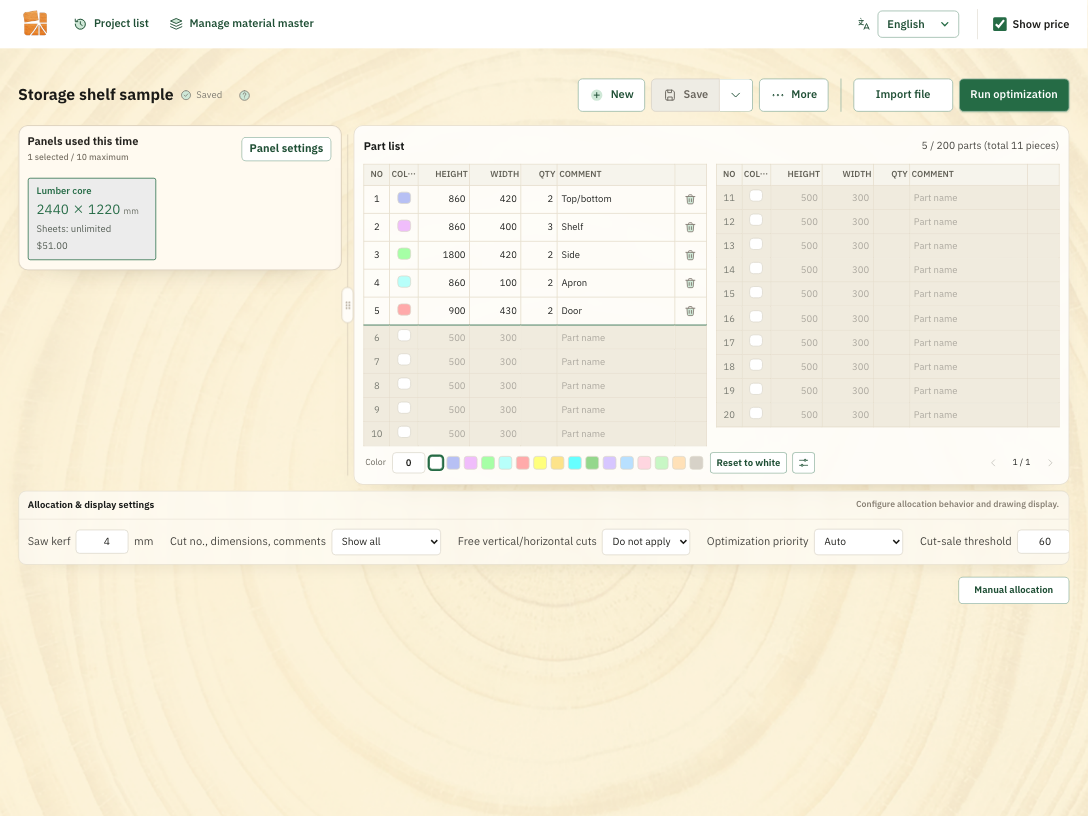
Enter your stock sheets and parts, and it works out the layout, yield, sheet count and material cost. Adjust the automatic result by hand, then send it straight to production as drawings, PDFs or QR codes.
Watch the video
From input, calculation and fine-tuning to output as drawings, PDFs and QR codes.
Common problems
Which sheets to use, how many you need, how to tell the shop floor.
Instead of checking each one separately, you settle them all in one panel-cutting workflow.
Which part comes from which sheet lives in one person's head. When someone else takes over, the handover takes time.
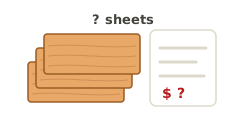
It's hard to know in advance how many sheets you'll use and what they'll cost. Comparing sizes at different prices takes effort too.
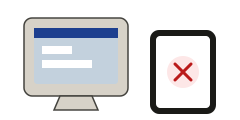
You made the layout on the office computer and want to check it on an iPad in the shop, too. Paper alone makes changes hard to pass on.
How it works
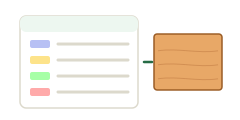
Enter your sheets and parts, or load them from the material master or a file.
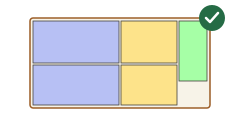
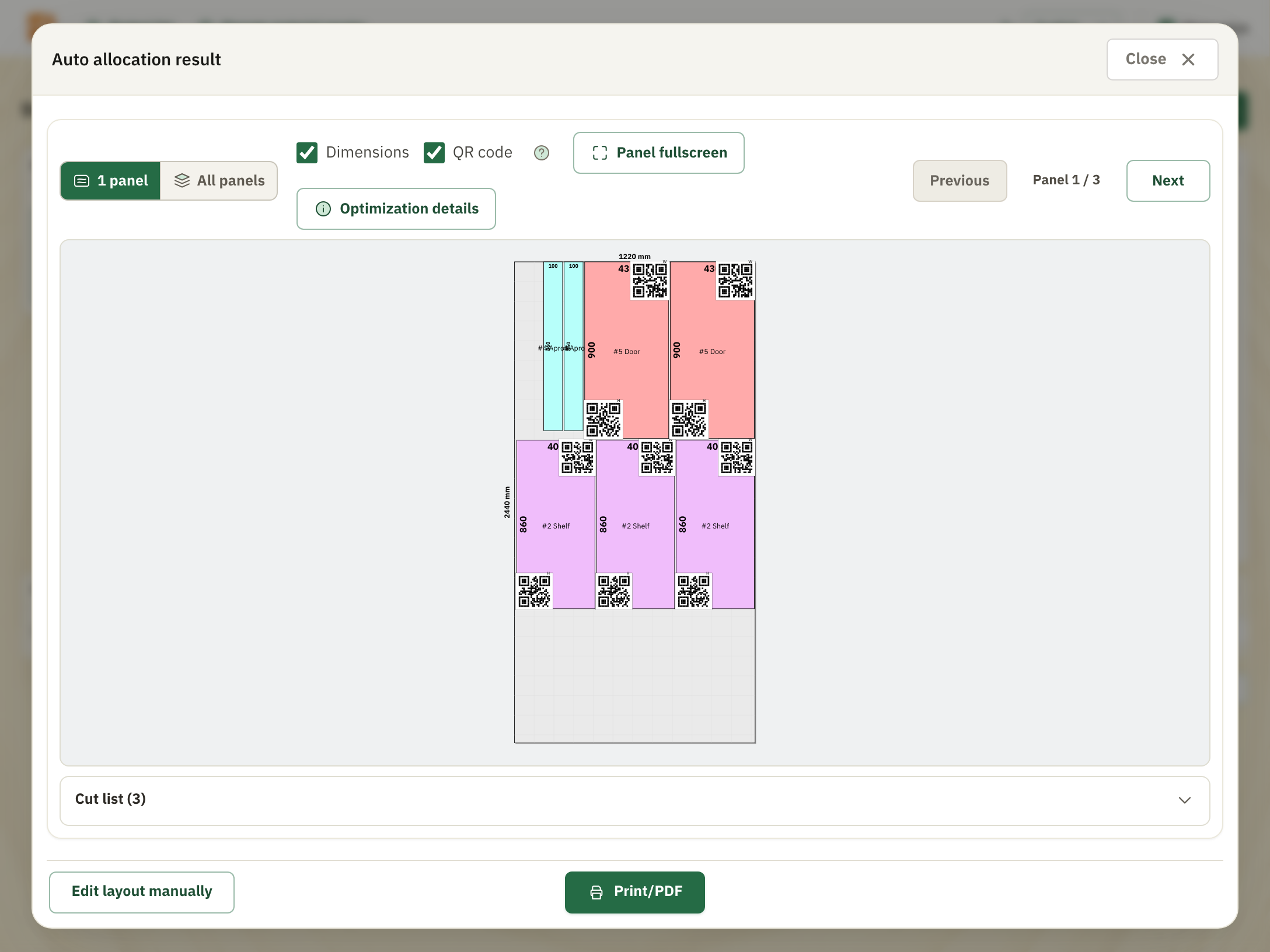
Calculate the layout with one button, then check the placement, yield and sheet count.
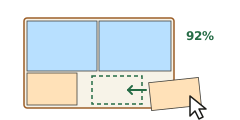
Check the material cost and adjust the layout by hand to suit production.
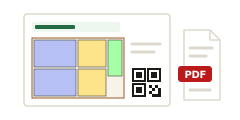
Hand dimensioned drawings to the shop floor as printouts, PDFs or QR codes.
Features
From calculation and fine-tuning to output, materials included: all of your panel-cutting work happens in one browser.
Calculates the layout from your sheets, parts and cutting conditions. Check the yield and the number of sheets needed to help you choose materials.
Manage materials, thicknesses, sizes, unit prices and available stock in one place. Switch to price-aware calculation when you need it.
Identical layouts are grouped with their sheet count. See the whole job, then check any single sheet in detail.
Adjust the automatic result with a tap or a click. See which parts are still unplaced and build a layout that suits your shop.
Output the dimensions and layout for production. Share what you checked on screen as a printout or a PDF.
Layouts allow for the width the saw takes. Calculate while checking each material's nominal size and actual dimensions.
Screens
Just open it in your browser. Nothing to install.
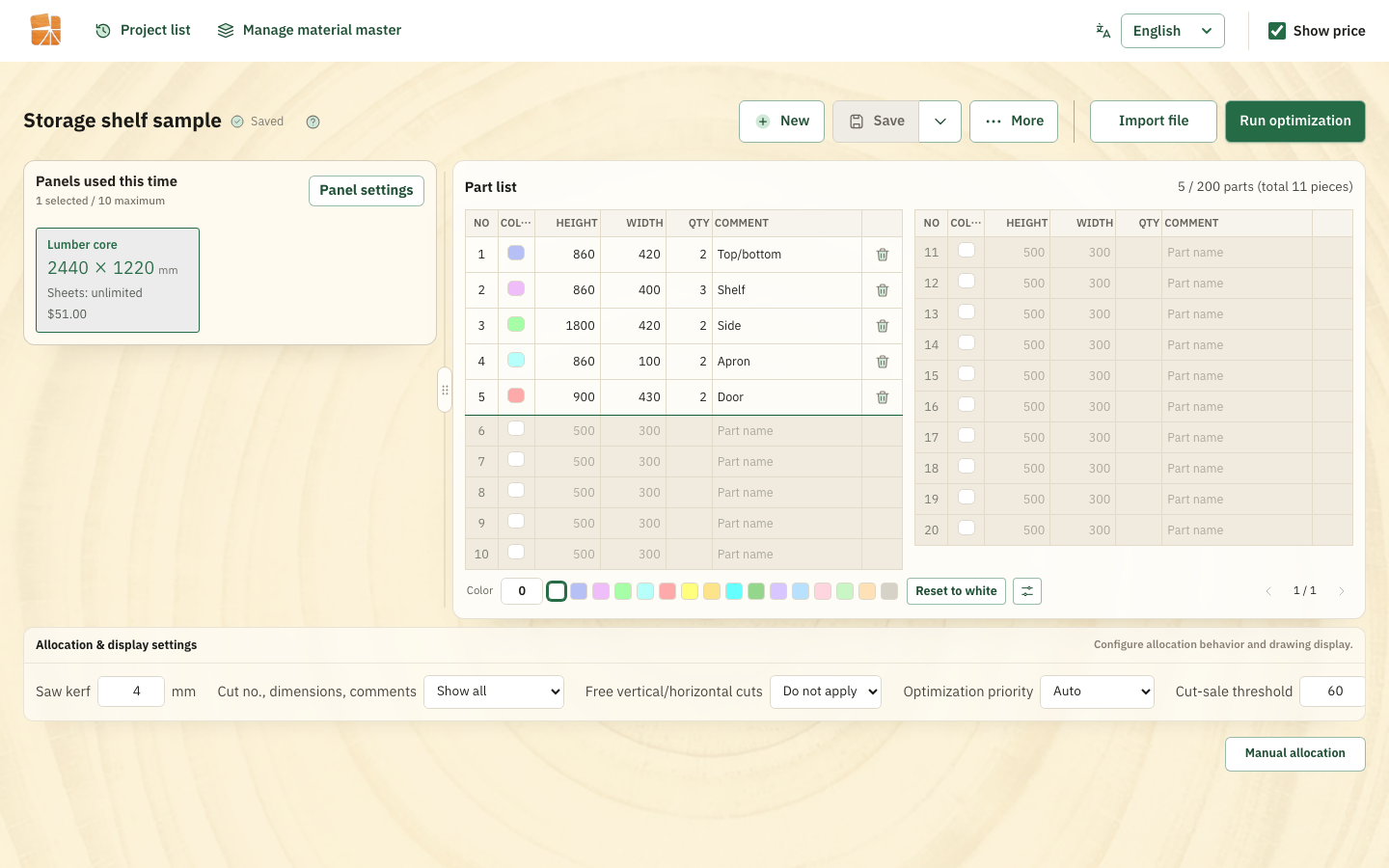

Bring your data
Load Kiicutter .kid files and data from CAD and spreadsheets. Try it out with the materials and parts you always use.

Input check
Missing sheets or parts, sizes that don't fit on any sheet and more show up on screen.
Regular layouts are calculated from the values and conditions you enter.
Pricing
We'll announce the price and the free-trial terms before sign-ups open.
Standard plan
Pricing coming soon
The monthly price including tax and the billing unit will be posted once confirmed.
Free to register, no card needed. Pre-registration never costs anything.
You'll be able to review the price and the terms before you sign up.
Pre-registration
When the free trial opens, we'll let you know
at the email address you register.
Free to register. No card needed.
Pre-registering does not create a contract, and you won't be charged.
Enter your details on the next page.
FAQ
Pre-registration is free and needs no card. It does not create a paid contract, and you won't be charged.
We're preparing the free trial now. As soon as the start date, the price and the trial terms are set, we'll email you at the address you registered.
Starting the free trial itself requires a credit card. Pre-registration does not.
Yes, it reads .kid files. When you move over, keep the original files and check the materials, dimensions and prices before you use them.
Contact
Will it work with your materials and parts lists? How do you bring your data over? Let us know what's on your mind.
Questions about getting started or pre-registration
+81 980-83-3028Uezato Woodwork Co., Ltd. (有限会社 うえざと木工)
To hear when the free trial opens, please pre-register.